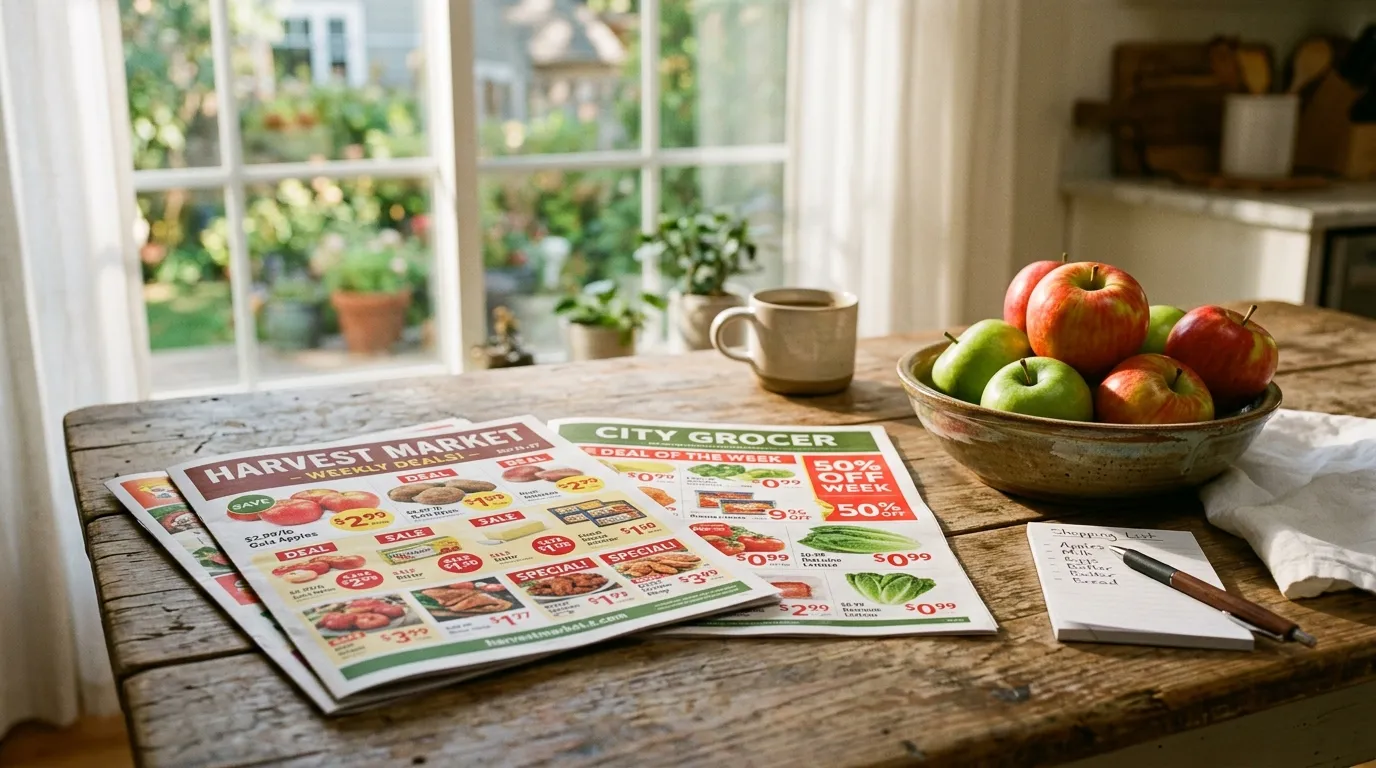
Bottom line first: the No Frills flyer this week is useful when it helps you spot where a few featured items may genuinely improve your trip, but it is weak when you let it decide the whole basket by itself. Statistics Canada still showed grocery inflation at 4.1% year over year in February 2026, and its monthly food-price table continues to remind shoppers that staples move over time. The flyer is a signal. It is not a verdict.
What the No Frills flyer is best at
The No Frills flyer works best when you use it for three jobs:
- spotting which staple categories are being pushed this week;
- checking whether a stock-up item is truly worth timing around;
- identifying whether No Frills deserves a closer look against FreshCo, Walmart, or another realistic banner.
That discovery-first role is exactly what flyer tools are built for. Flipp’s own help documentation describes flyer browsing as a way to find local weekly deals, not as a complete basket-comparison engine.
Table: how to read the No Frills flyer this week
| Flyer situation | Useful question | Better decision |
|---|---|---|
| Pantry staple on promotion | Is this one of my repeat items, or just a distraction? | Stock up only if it is truly recurrent |
| Produce feature | Does it improve this week’s meal plan, or only look exciting? | Let the meal plan decide |
| Multi-buy or larger pack | Is the unit value really better? | Check quantity and unit logic before committing |
| Strong red-tag style promotion | Does the rest of the basket still work at No Frills? | Compare the total trip, not just the featured line |
That last row matters most. A strong flyer line can still sit inside a mediocre full basket.
What to compare before you drive there
If No Frills is in your regular rotation, the next step should not be more flyer reading. It should be verification:
- open BarcodeVibe’s grocery flyers page for the quick flyer layer;
- check BarcodeVibe’s No Frills store guide for the bigger banner context;
- use BarcodeVibe’s price comparison page to judge the basket;
- keep repeat staples in BarcodeVibe’s price tracker;
- use BarcodeVibe’s barcode scanner if the exact product still needs confirmation.
That sequence is stronger than rebuilding the whole week around one flyer tile.
Where shoppers usually go wrong with the No Frills flyer
Most weak No Frills trips start with one of these mistakes:
- overvaluing one promoted item and ignoring the rest of the basket;
- assuming the discount banner automatically wins every category;
- forgetting that package size can quietly change the value;
- failing to compare the promoted basket against a realistic competitor.
That is why Grocery Flyers vs Price Comparison Apps in Canada and No Frills Grocery Prices in Canada are good companion reads. One explains the method. The other explains the banner.
A weekly routine that works better than flyer chasing
A practical No Frills routine usually looks like this:
- skim the flyer for likely staples and useful featured categories;
- check the basket in price comparison;
- review the repeat items in price tracking;
- scan any questionable SKU in store.
This keeps the flyer in the right role. Helpful, but not dominant.
What to do next
If you are searching for the No Frills flyer this week because you want a better grocery decision:
- start on BarcodeVibe’s grocery flyers page;
- open the No Frills guide;
- compare the likely basket in BarcodeVibe’s comparison tool;
- keep the staples in BarcodeVibe’s tracker.
The practical takeaway
The No Frills flyer this week should help you narrow the question, not answer it alone. Use it to spot candidate deals, then let BarcodeVibe tell you whether No Frills really deserves the trip.