

Scan a Barcode. Check Available Price Context.
Use BarcodeVibe to scan grocery barcodes, compare price context, and review price history before trusting the shelf tag.


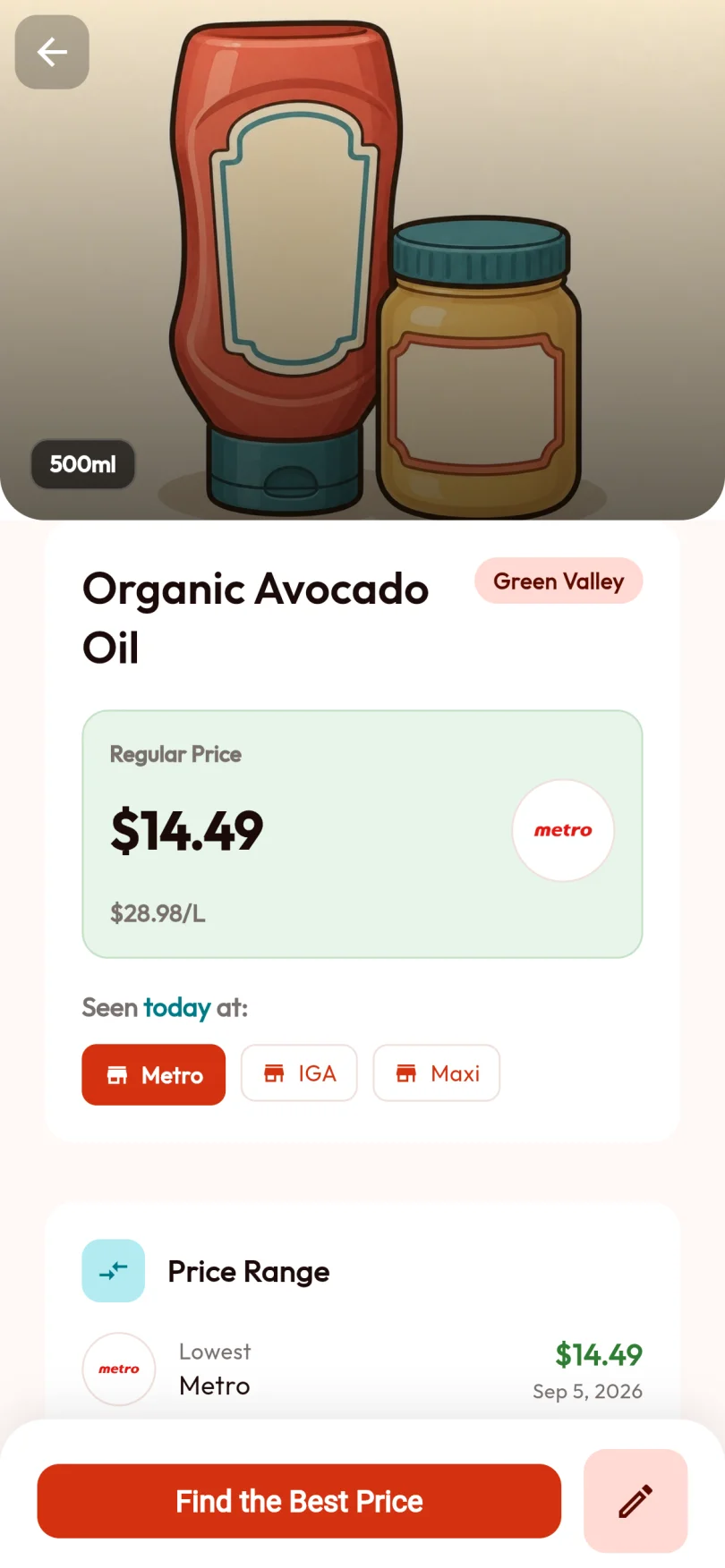
3 Steps to Smarter Shopping.
Scan the Barcode
Open BarcodeVibe and point your camera at a grocery barcode. Results depend on recognition and available sources.
Compare Prices
See the available observations for the same product at nearby stores. Coverage varies with sources and shopper activity.
Decide What To Do Next
Buy now, wait for a better price, or switch stores with more confidence because the scanner gives the product more context.
More Than Just a Scanner.
Instant Price Lookup
Scan a product and use BarcodeVibe to check whether the price in front of you still makes sense in the current grocery context.
Price History Tracking
See how a product's price has changed over time. Know if today's price is actually a deal or just marketing.
Shrinkflation Detection
BarcodeVibe tracks package sizes too. Get alerted when brands shrink products but keep the same price.
Questions about the Scanner?
BarcodeVibe reads all standard grocery barcodes: UPC-A, UPC-E, EAN-13, and EAN-8. Just point and scan.
Yes. Scan while you shop to check whether the shelf price makes sense, or scan at home to plan your next trip.
You need an internet connection for live comparison and price history, but the scanner itself opens quickly so you can check a product while shopping.
BarcodeVibe is preparing a free core barcode scanner, with no paid plan required for the main scanning workflow.
Know if it's really a deal. One scan.
Next time you're at the shelf with a product in hand — scan it first.